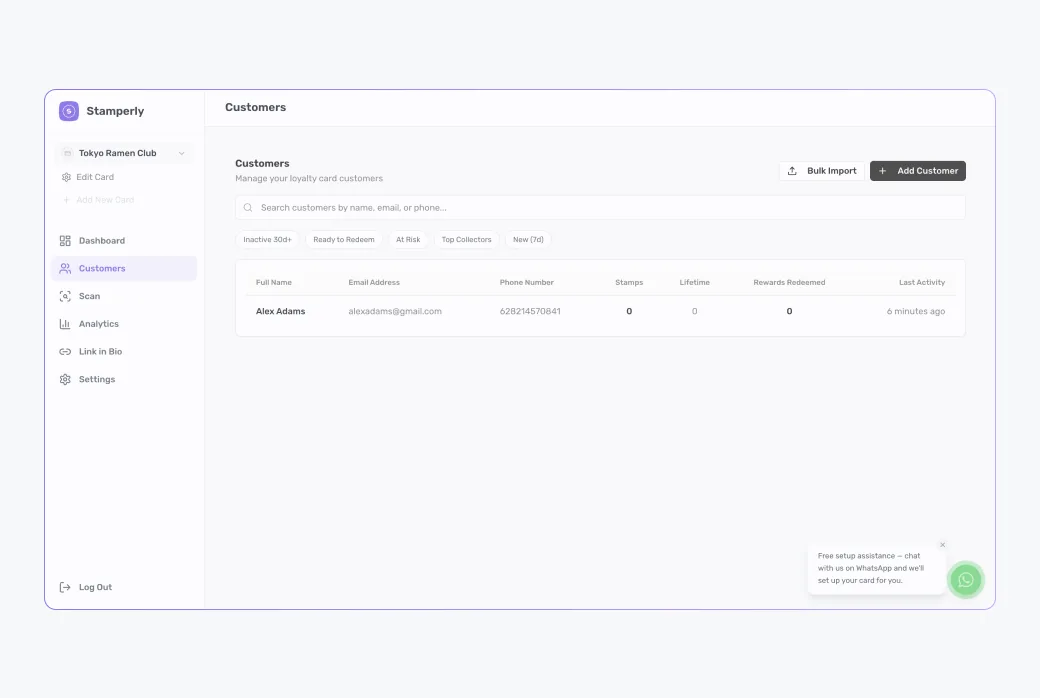
The Customers page
Customers lists everyone who has joined any of your cards. Search by name or phone, and see at a glance how many stamps each member has and when they last visited.
Customer details
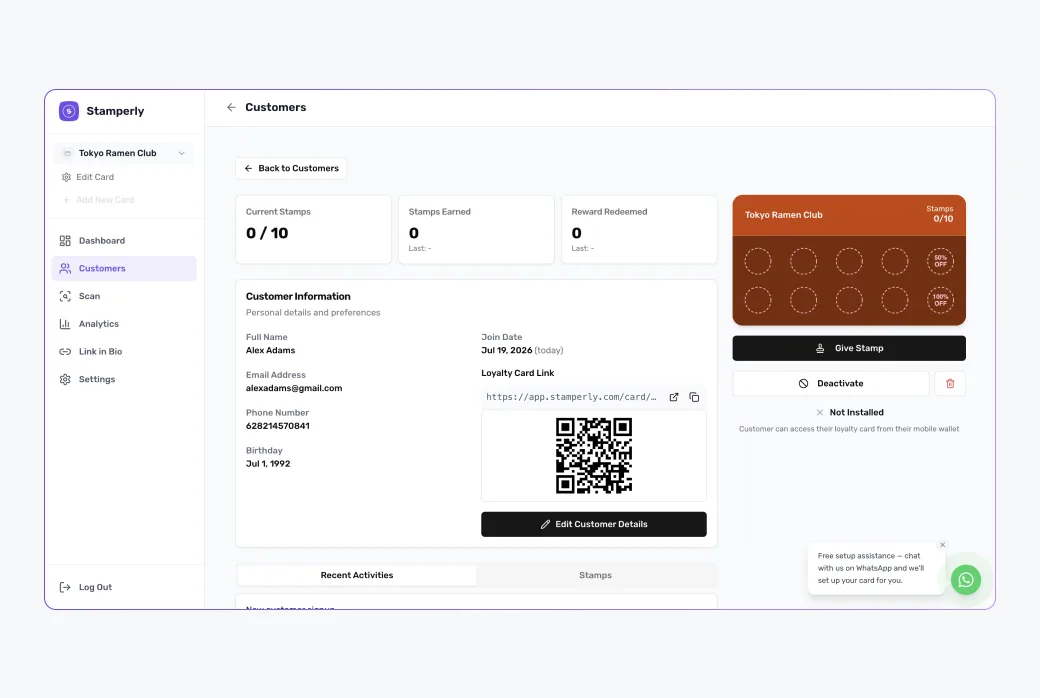
Open a customer to see their full picture: contact info, current stamps, visit history, and which rewards they've redeemed. Handy when a customer has a question about their card.
Editing and removing
You can correct a customer's details (a typo in their name or phone) or remove a customer entirely, for example on request, or to clean up test entries.
Analytics at a glance
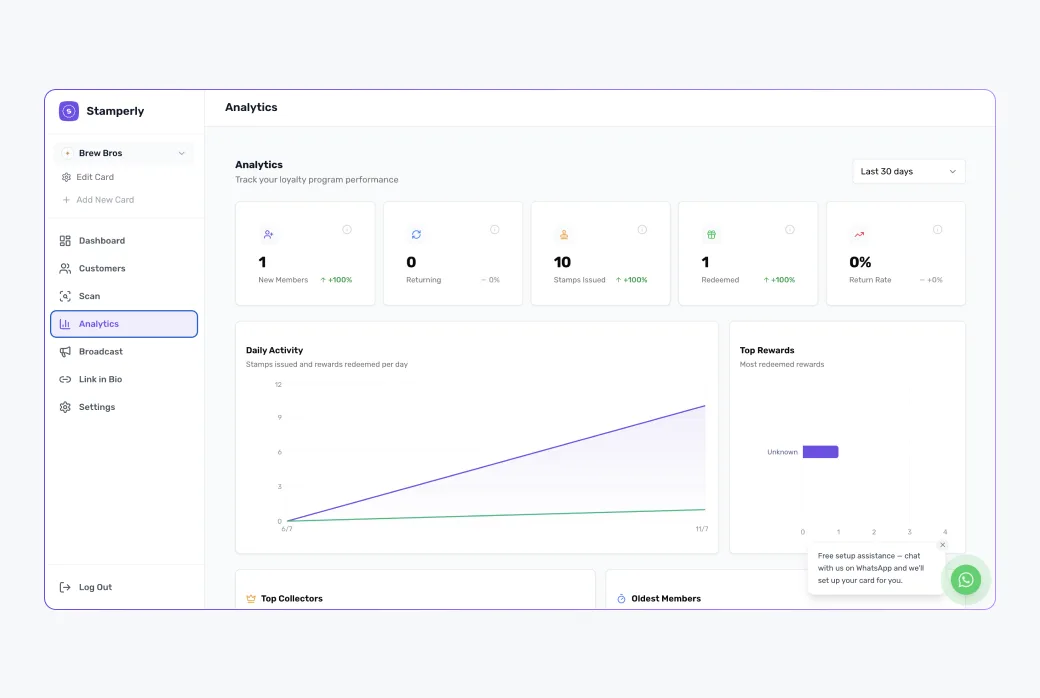
The Analytics page shows how the program is doing: new members, stamps issued, and rewards redeemed over time. A weekly glance tells you whether your QR code placement and rewards are working.