Where redemption happens
Redemption uses the same flow as giving stamps: scan the customer's card (or search for them) on the Scan page. Below their stamp count, the screen lists the card's rewards: any reward whose required stamps the customer has reached shows as eligible.
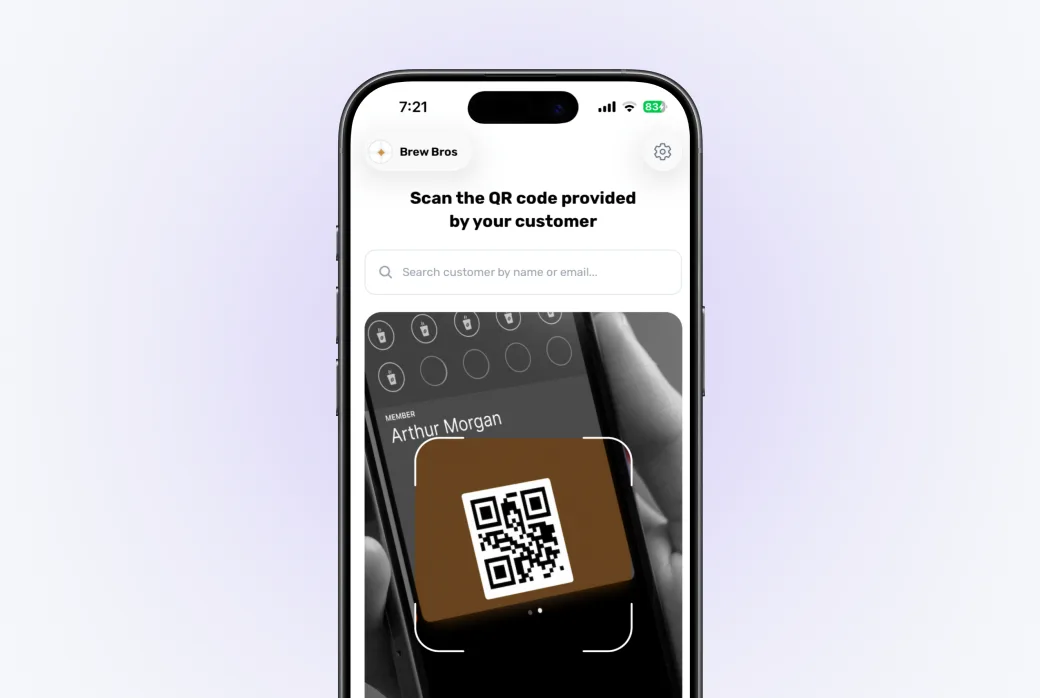
Confirm the redemption
Tap the reward, confirm, and hand over the goods. The required stamps are deducted from the card, and the customer's wallet pass updates with the new count and a notification.
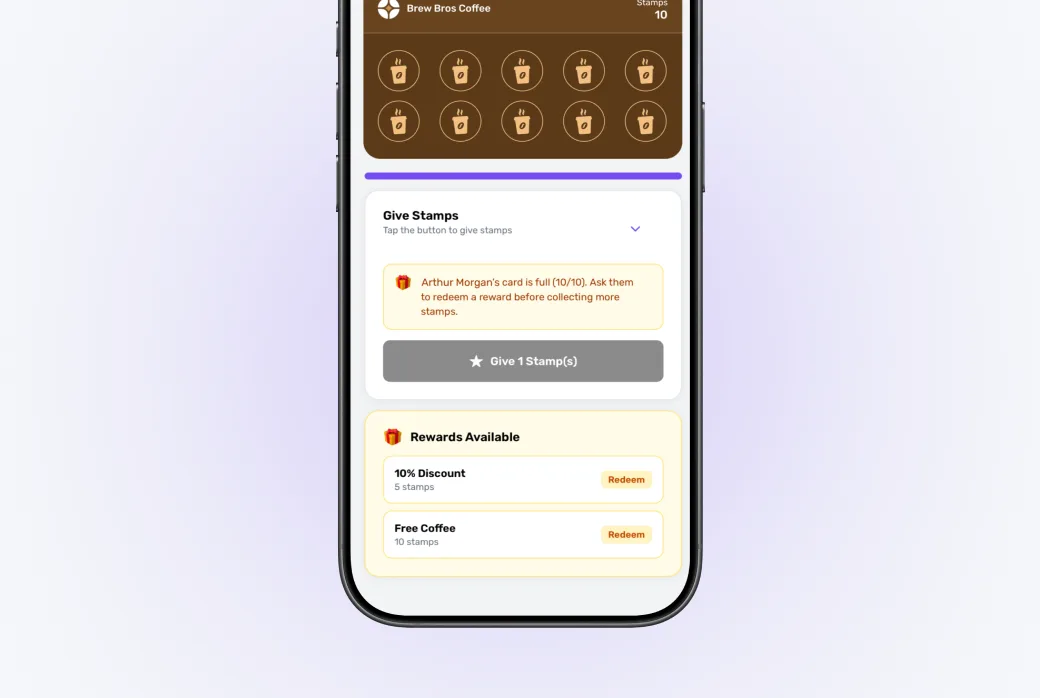
Deducting stamps (rather than resetting the card) means leftover stamps carry over. A customer with 12 stamps who redeems a 10-stamp reward keeps 2 stamps toward the next one.
Good to know
- A card can have several rewards with different stamp targets: the customer picks which eligible one to redeem.
- If no reward is eligible yet, the screen shows how many stamps are still needed. A nice moment to say "just 2 more visits!"
- Every redemption is recorded, so you'll see totals in your analytics.